Become a runner and get verified
Create a runner account, upload your identity documents and complete your profile, so customers can find you and you can accept tasks.
Roles that can do this
- Runner
Steps
Create a runner account
Sign up, choose I want to run tasks and press Apply as Runner. Your Runner Dashboard reminds you to Verify your identity to accept tasks; press Start verification.
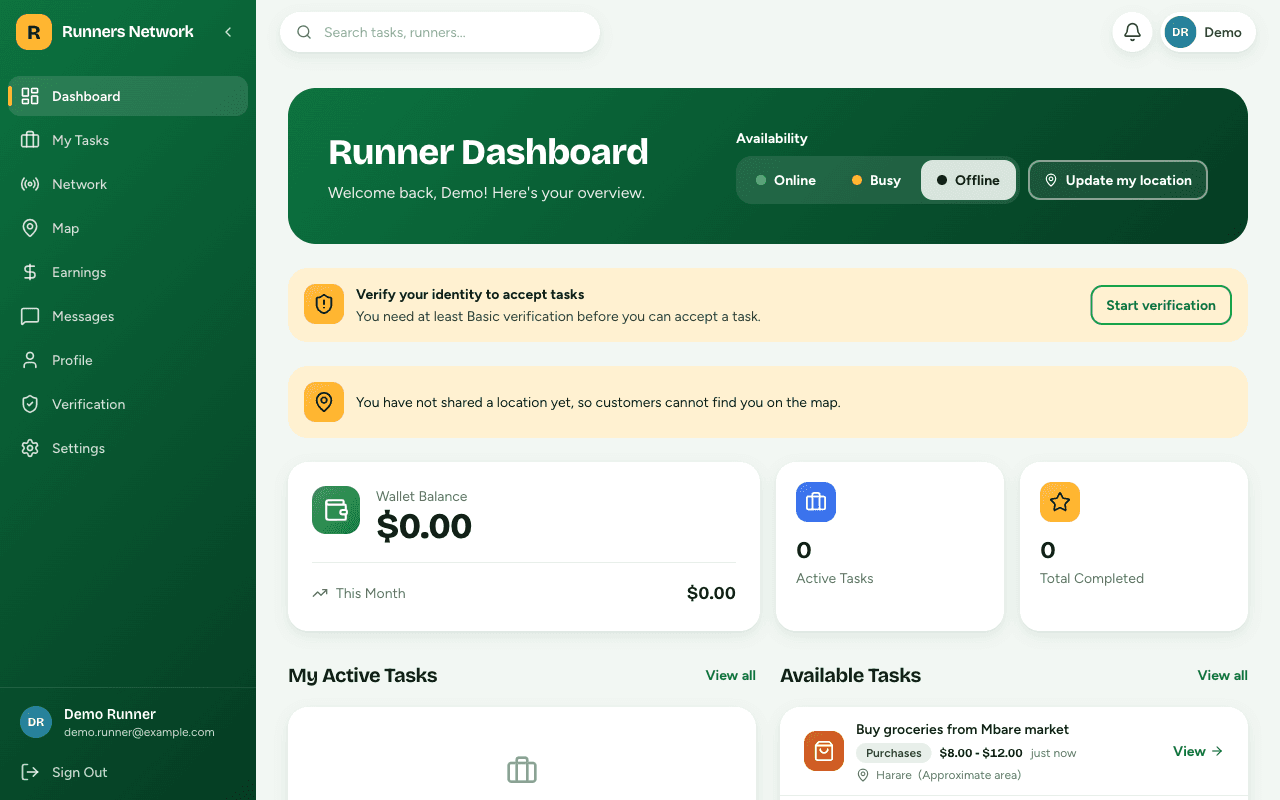
The Runner Dashboard before verification. Open the verification page
Choose Verification in the menu. The KYC Verification page shows your current Verification Level and the Verification Tiers with what each needs.
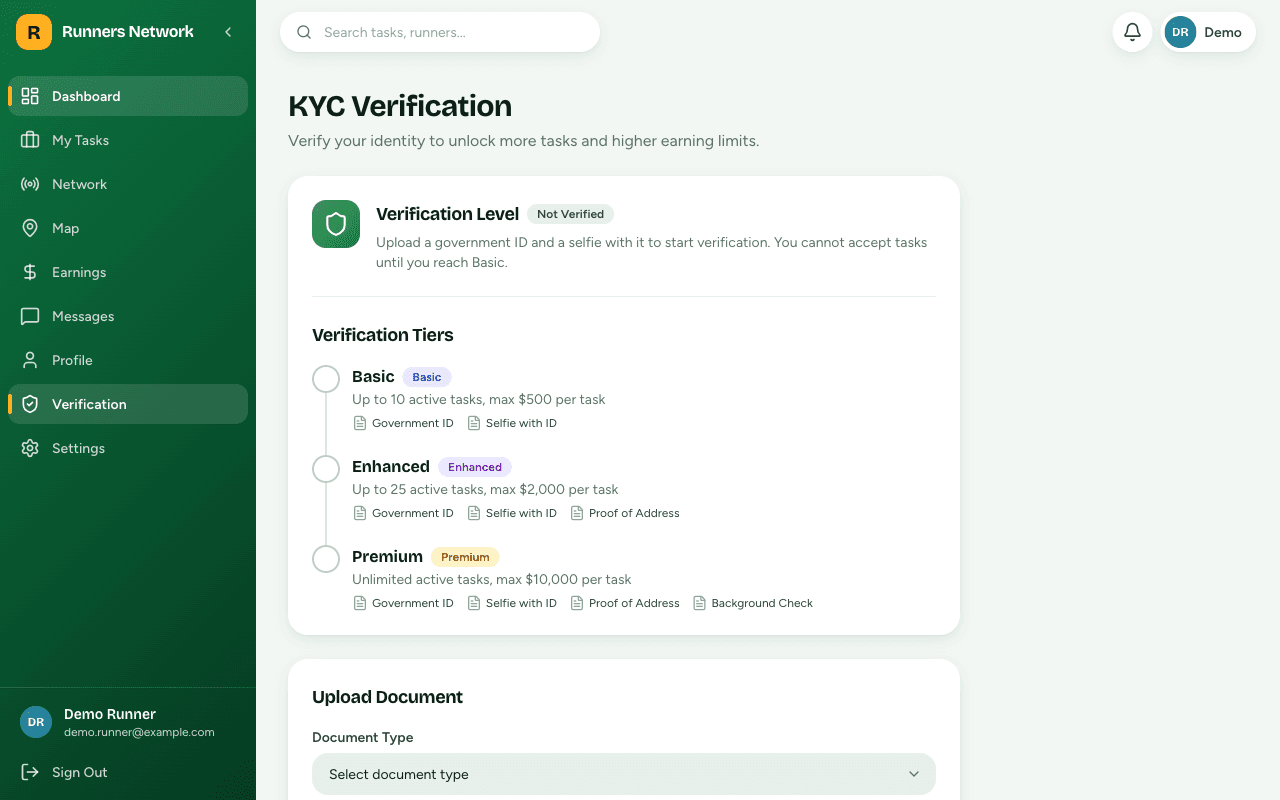
The KYC Verification page. Upload your documents
In Upload Document, choose the Document Type, select the file (JPG, PNG, WebP or PDF, up to 10 MB; HEIC photos are not accepted) and, for a document that expires such as a passport, its expiry date. Press Upload Document. Each document goes to the verifiers as soon as you upload it.
Know the levels
Basic needs a government ID and a selfie with that ID: up to 10 active tasks, $500 per task. Enhanced adds proof of address: up to 25 active tasks, $2,000 per task. Premium adds a background check: unlimited active tasks, $10,000 per task.
Wait for the review
The page shows Documents submitted or Review in progress, and you are notified of the result. If a document is rejected, its reason is shown under Uploaded Documents; upload a corrected one. A verifier may also ask you for more information.
Complete your runner profile
Open Profile and fill in the Runner Profile: Bio, Service Area Radius (km), Languages, Specialisations, Working Hours and the location shown on the map. Press Save Runner Profile.
Go online
On your Runner Dashboard, set your Availability to Online, Busy or Offline, and press Update my location so customers can find you on the map.
Tips
- You cannot accept tasks until you reach Basic verification.
- A Professional Certificate can be uploaded too; it is not needed for any level.
- When a document expires you need to upload a current one to stay verified.