Sign in with Orderbook
Use your Orderbook Africa account to sign in to Runners Network, or to create a Runners Network account, without a separate password.
Roles that can do this
- Customer
- Runner
Steps
Press Continue with Orderbook
On the sign-in page or on Create your account, press Continue with Orderbook under the form. The button only appears when the site has Orderbook sign-in switched on.
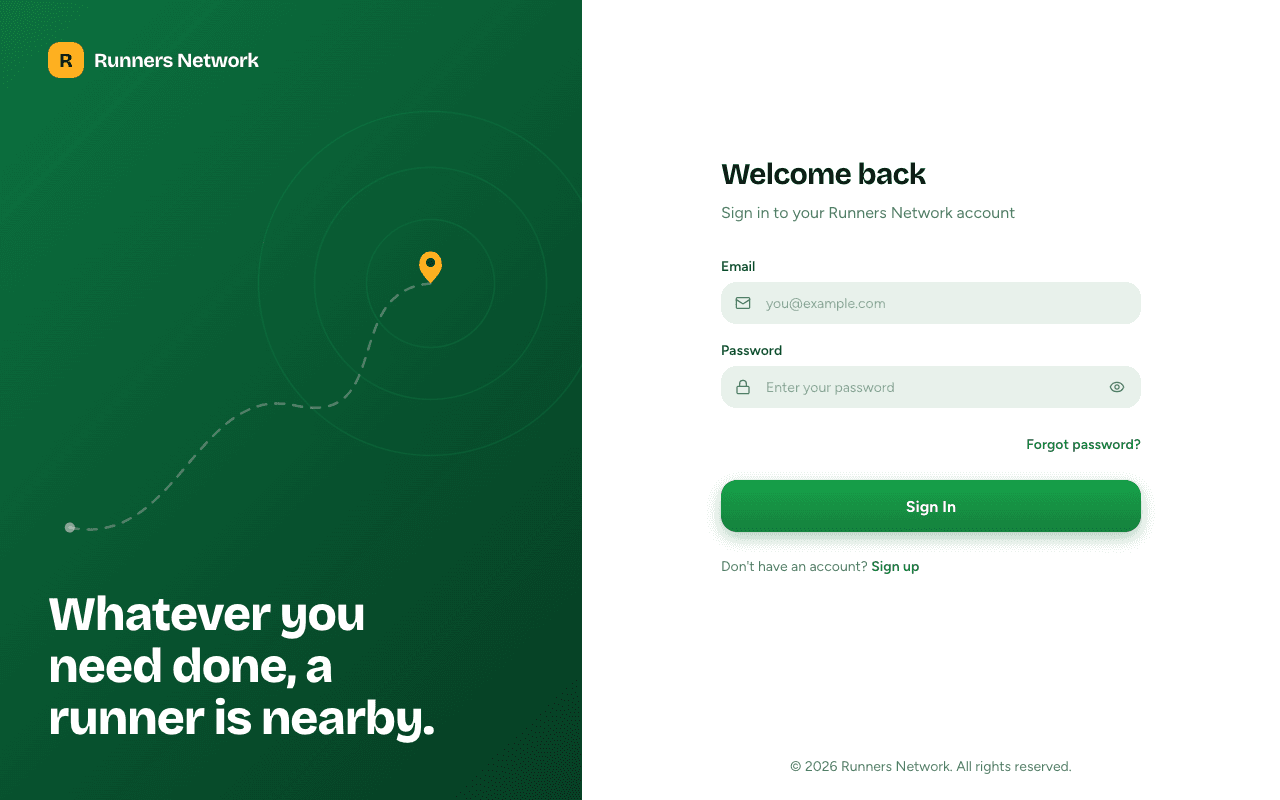
The sign-in page; Continue with Orderbook sits under the form when it is switched on. Sign in on Orderbook
You are taken to Orderbook. Sign in there; Orderbook then sends you straight back, and you see Signing you in….
If you already have an account
You are signed in to the account linked to your Orderbook identity, or to the account with the same email address if Orderbook has verified that address. If the account has two-factor sign-in, enter your code as usual.
If you are new
You see One more thing. Choose I need tasks done or I want to run tasks, check your first and last name, agree to the terms and press Create Account (or Apply as Runner).
In the mobile app
The app has the same Continue with Orderbook button. Orderbook sends you back to the app when you are done.
Tips
- Finish within ten minutes, in the same browser you started in; otherwise you see This sign-in cannot be finished here and simply start again.
- If you cancel on Orderbook, nothing is shared with Runners Network.
- Suspended or banned accounts, and staff accounts, cannot sign in this way.