All tutorials
Rate and review
After a task is completed, the customer and the runner rate each other. Ratings build trust for everyone.
Roles that can do this
- Customer
- Runner
Steps
Open the completed task
When a task is Completed, its page shows Rate Runner (for the customer) or Rate Customer (for the runner). Press it.
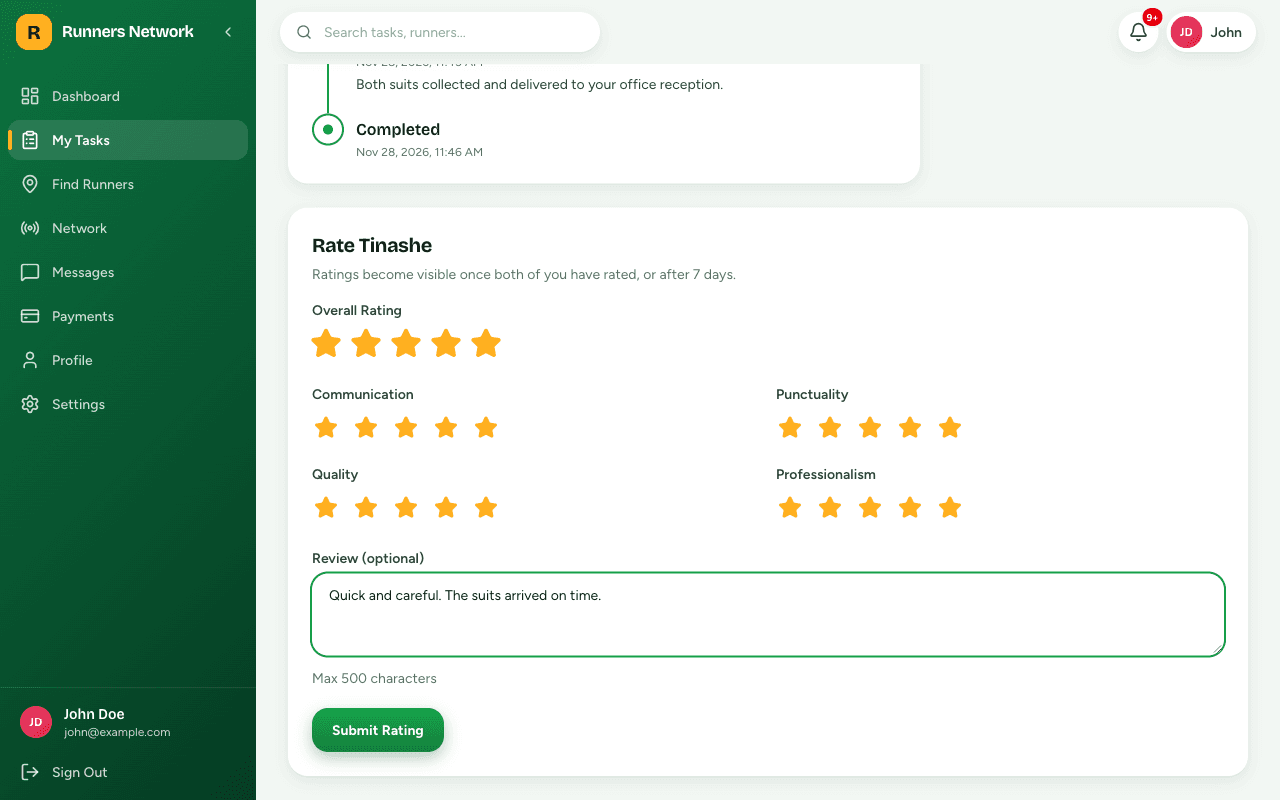
The rating form on a completed task. Give your rating
Choose the Overall Rating from one to five stars. You can also rate Communication, Punctuality, Quality and Professionalism.
Write a review (optional)
Add a few words in Review (optional), up to 500 characters, and press Submit Rating.
When ratings appear
Both ratings are published as soon as both of you have rated, or seven days after the first one otherwise. Published ratings appear on the task and on the runner’s profile.
Tips
- You can rate each task once, and a rating cannot be changed afterwards.
- Runners with an average of 4.8 or more over at least 50 tasks become Top Runners and pay a lower platform fee.